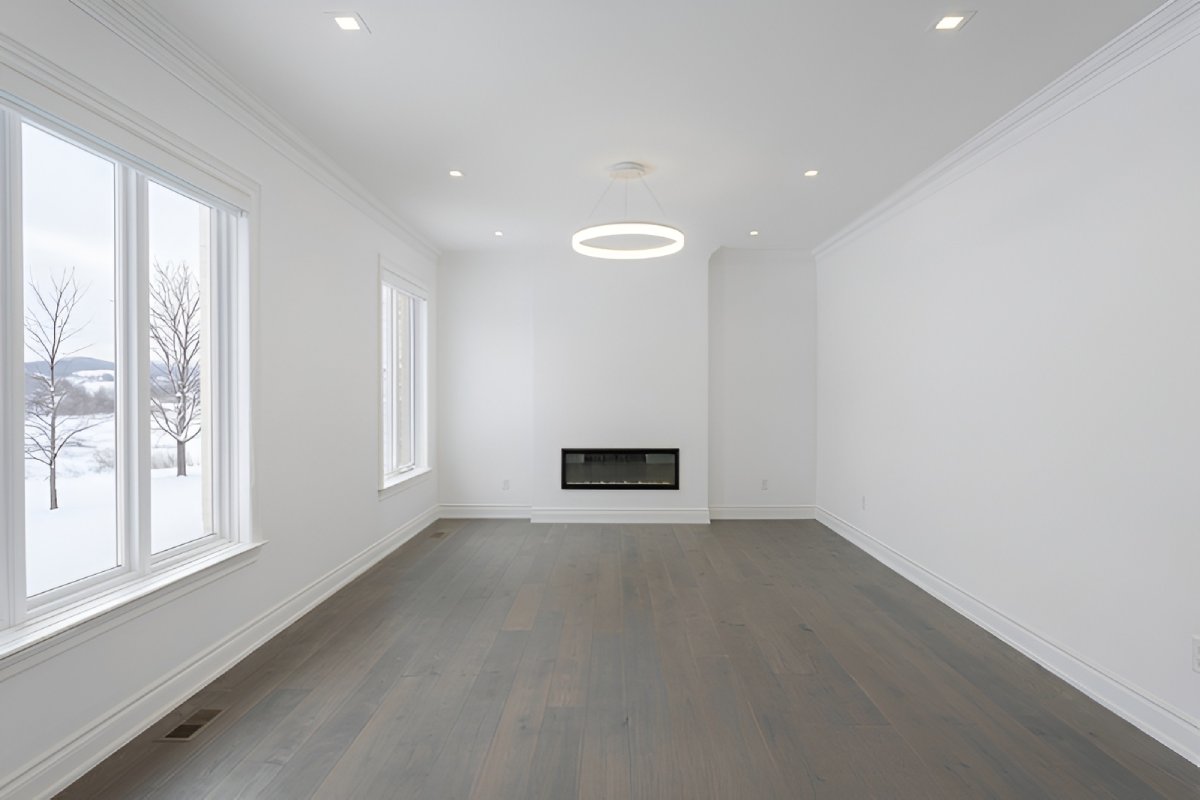
Agents & brokers
Move faster from empty room photos to listing-ready marketing visuals without coordinating physical staging for every property.
Upload property photos, explore polished staging directions, and move faster from blank room to compelling marketing visuals.
Drag left or right, or use arrow keys, to compare the before and after versions of the image.
Designed for real estate marketing workflows
Instead of a plain user list, this section now explains how different teams actually use the product in practice.
Move faster from empty room photos to listing-ready marketing visuals without coordinating physical staging for every property.
Give listing pages, brochures, and pitch decks stronger visuals that help buyers picture the space more clearly.
Present units, rooms, and model concepts with polished imagery that supports launches, presales, and ongoing campaigns.
The layout follows your design inspiration, but the content is tuned for a trustworthy first launch and real user feedback.
Generate furnished concepts that help buyers visualize the potential of an empty or outdated room.
Create several looks for the same room so you can test which direction fits the listing best.
Move from uploaded photo to polished staged concept quickly, without coordinating physical staging logistics.
Download clean, presentation-friendly images for property pages, brochures, and client updates.
Share drafts, gather feedback, and refine staging choices before publishing your listing materials.
No special software to install — sign in and manage projects directly in the web app.
Start simple, test on a real listing, and refine from there.
Add an empty or under-furnished room image to start a new project.
Explore staging styles that fit the property, room type, and target buyer.
Bring the staged visual into your listing workflow and gather feedback from your audience or team.
Present the six core staging styles clearly so visitors understand the range right away.
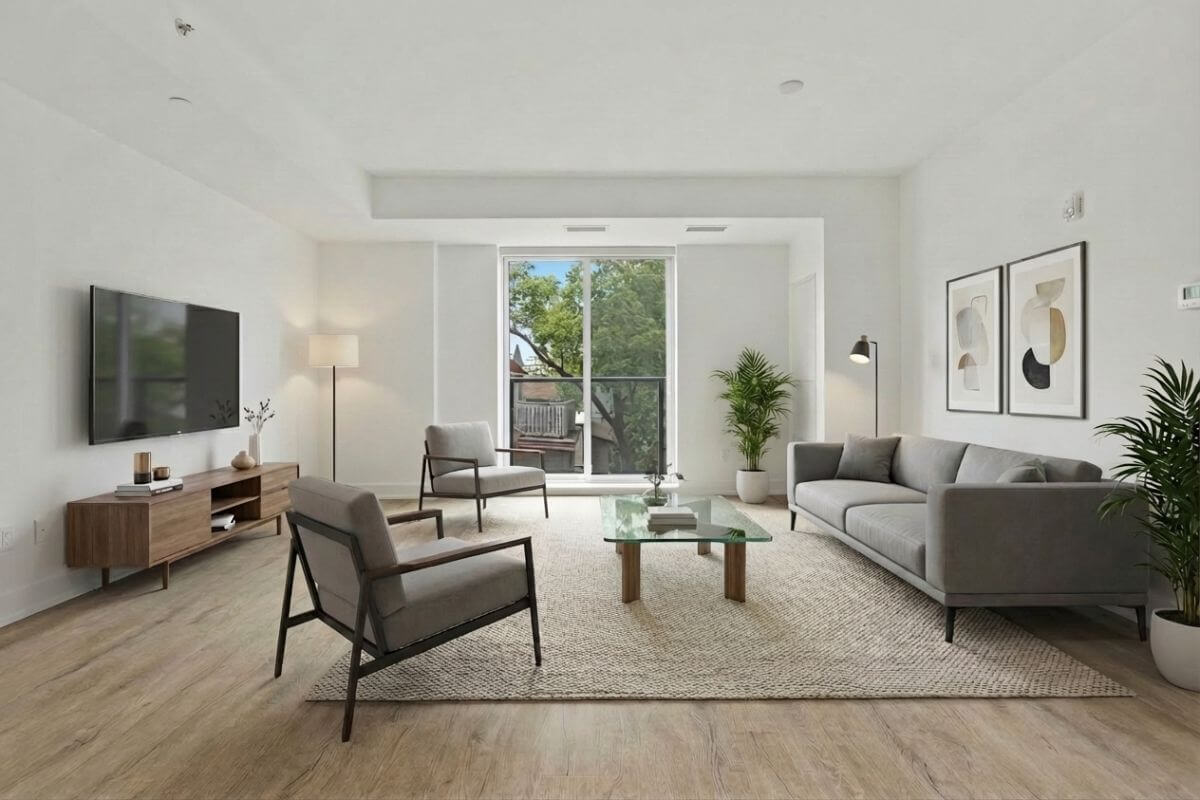
Clean lines, minimalist furniture
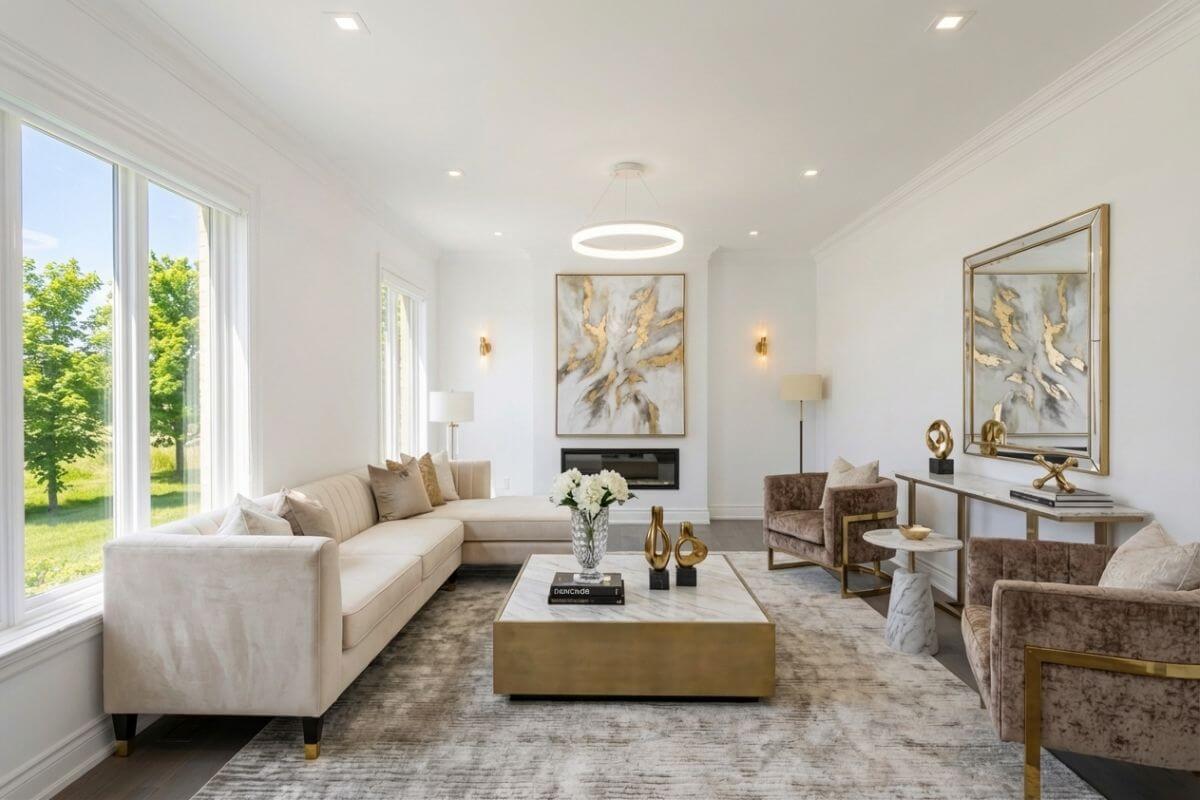
Premium finishes, elegant decor
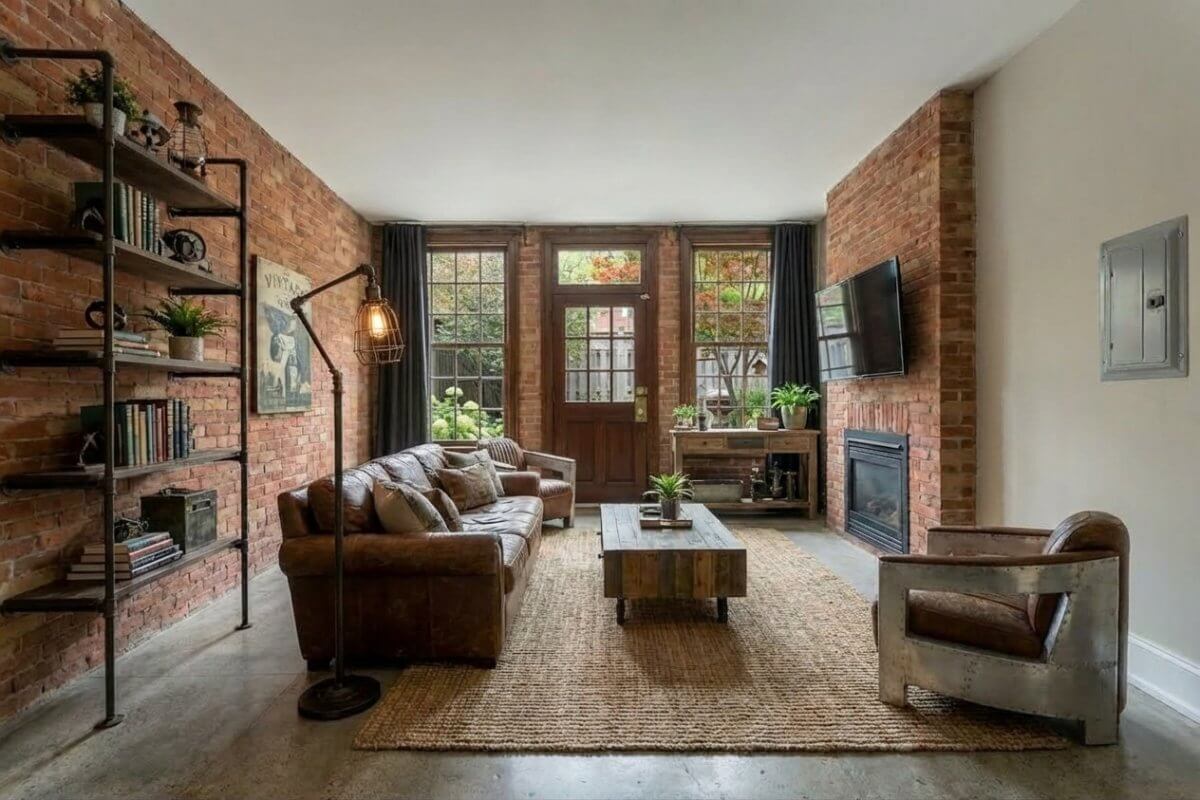
Exposed brick, metal accents
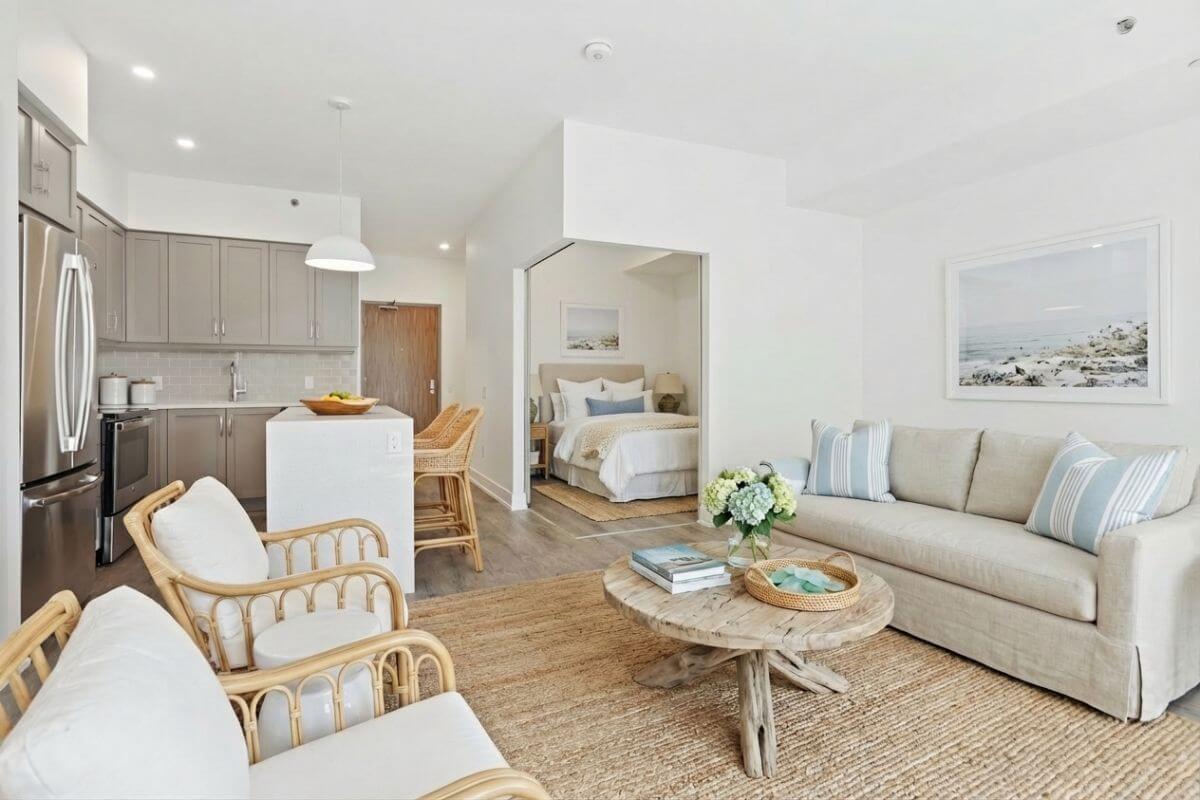
Light colors, beach-inspired
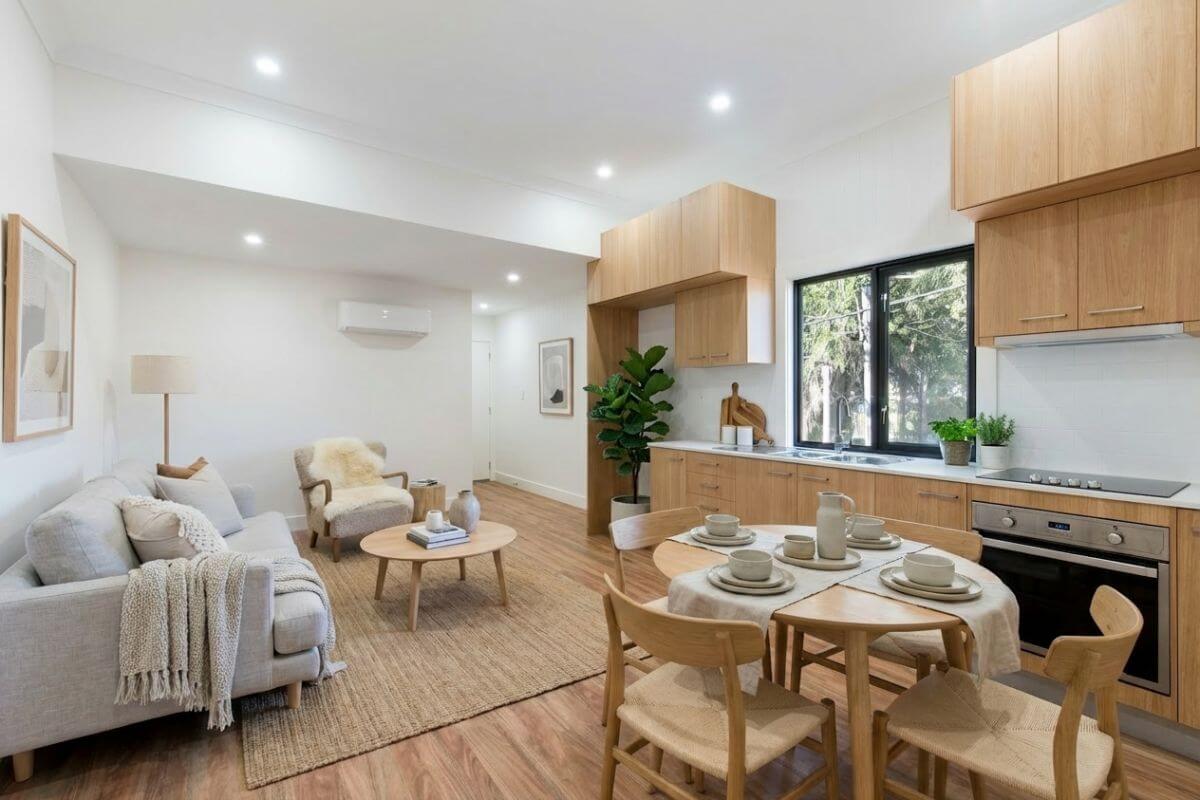
Soft neutrals, clean minimalism
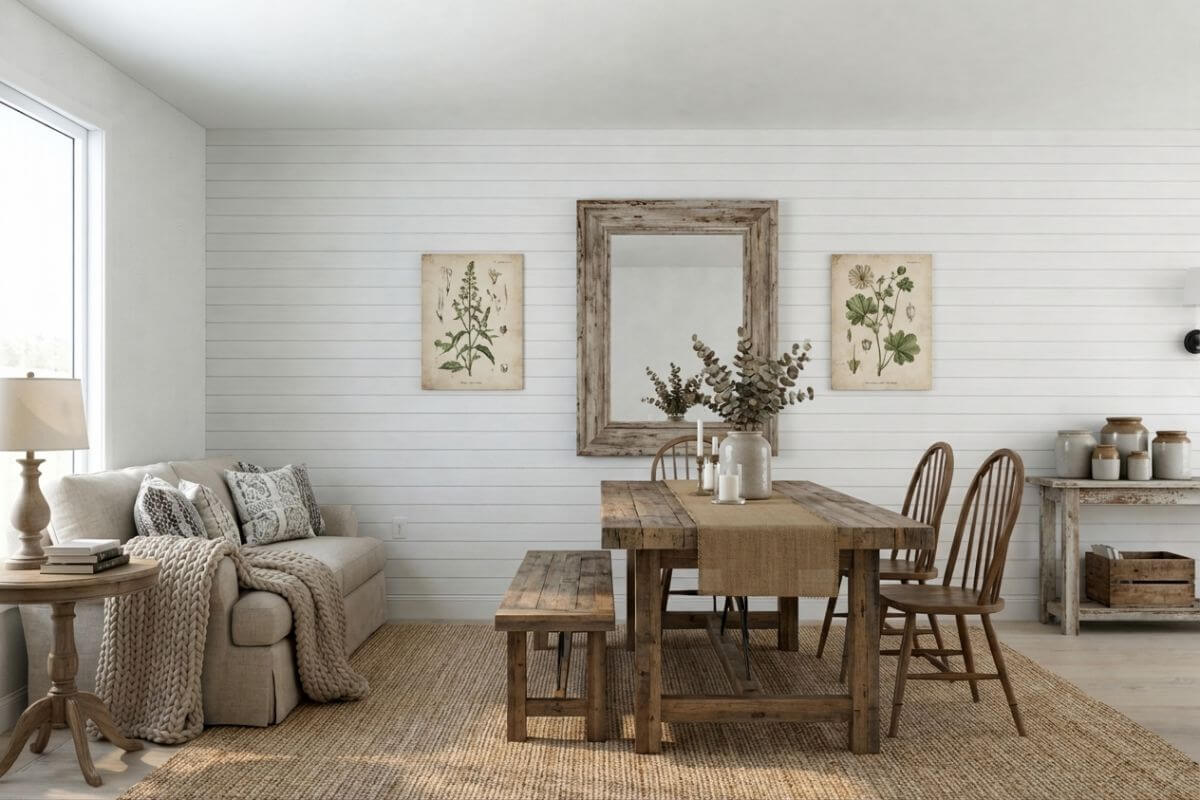
Rustic charm, cozy vibes
Clear operational benefits matter more here than anything that looks like a review widget.
Keep the staging process practical for active listings with a workflow designed around fast turnaround and simple review.
Help buyers understand layout, mood, and room potential instead of asking them to imagine an empty space on their own.
Compare multiple looks for the same room so you can choose the direction that best supports the property and audience.
Try Plan & Stage on a real listing first, gather feedback, and then choose the setup that fits your workflow as usage grows.
Start here
Volume discounts
For growing workflows
A few fuller answers that help visitors understand the workflow, turnaround, and app experience.
1. Create an account in the app. 2. Upload your property photos and start a project for the room you want to stage. 3. Choose the style direction that best fits the property. 4. Review the staged result and use it in your listing workflow.
Yes. You can choose from different style directions such as Modern, Luxury, Industrial, Coastal, Scandinavian, and Farmhouse depending on the property and target buyer. That helps you select the look that best fits the listing before you submit the project.
The current positioning is a turnaround of around 24 hours for staged images. That keeps the workflow practical for active listings, seller presentations, and fast-moving marketing timelines.
No heavy local install is required. The workflow is browser-based, so you can sign in, review projects, and manage staged images from the web app. That makes it easier for individuals and teams to work from different devices.
Start with 2 free images, gather feedback, and decide how you want to expand from there.
All signup and product actions happen on app.planandstage.com.