
Quick refinements
Communicate with designers and request changes easily after the first result so the staged concept better matches the listing story you want to tell.
Plan & Stage brings virtual staging, style comparison, and listing-ready outputs into one browser-based workflow built for fast-moving property marketing.
The page structure follows your design direction while keeping launch copy grounded in claims that are safe to publish.
Apply consistent staging across multiple angles of the same room so the final presentation feels clear, aligned, and intentional.
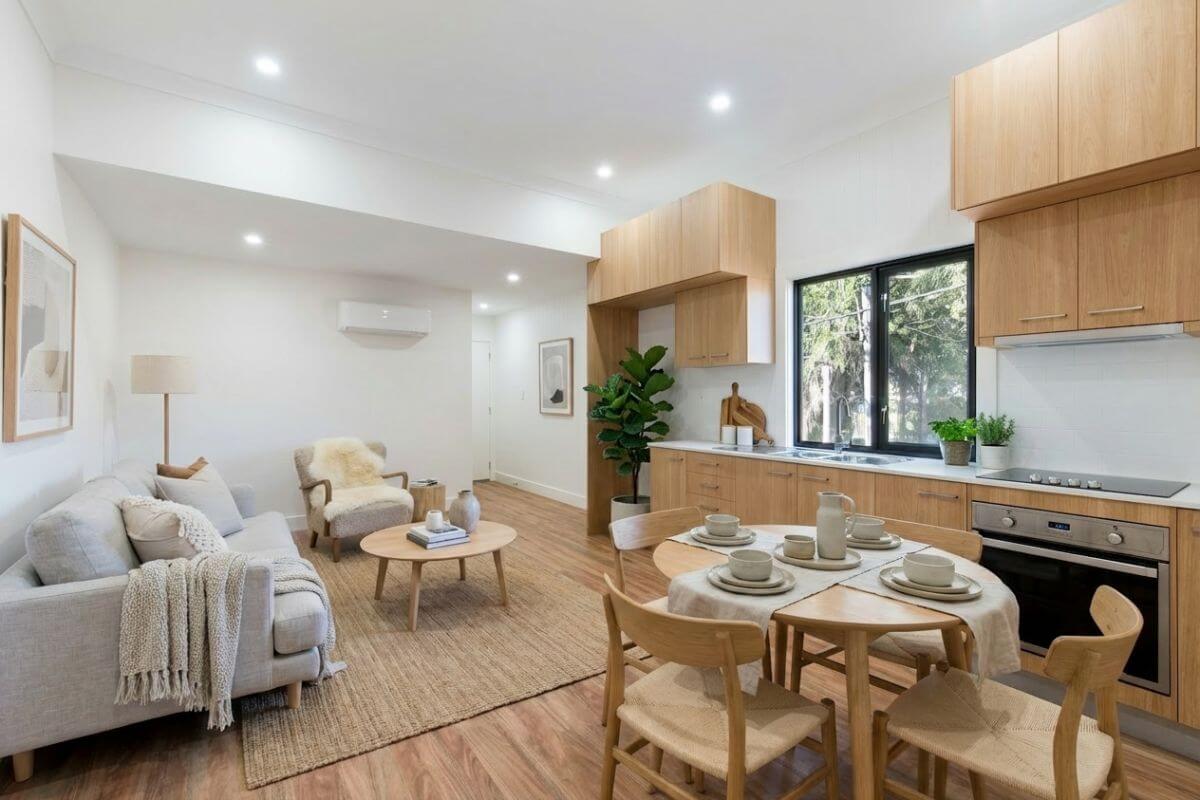
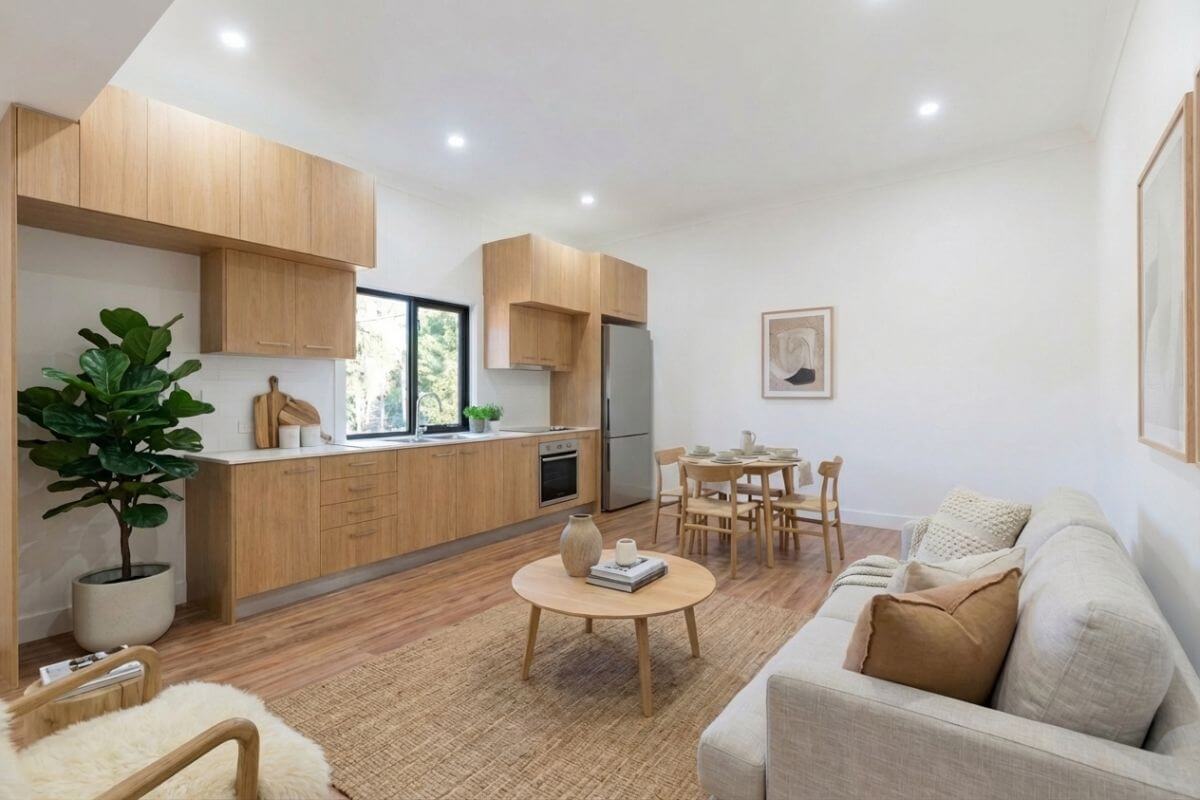
Keep active listings moving with a turnaround built for fast marketing timelines, seller expectations, and day-to-day property workflows.

Show renovation potential with before-and-after concepts that help sellers, buyers, and teams visualize how an outdated room could be transformed.
Drag left or right, or use arrow keys, to compare the before and after versions of the image.
Useful workflow advantages for teams staging real listings, reviewing options, and preparing assets for marketing.
Communicate with designers and request changes easily after the first result so the staged concept better matches the listing story you want to tell.
Review the available style directions and choose the one that best fits the property before you submit the project.
Keep listing visuals and room variations grouped inside a browser-based workflow that is easy to revisit later.
Use staged concepts as part of seller reviews, marketing planning, and internal approval conversations.
Sign in through the app and manage projects in the browser instead of relying on a complex local setup.
Share projects with teammates, clients, or other stakeholders so they can review the direction and keep decisions moving.
Plan & Stage is positioned as a browser-based product that helps teams move from raw photo to staged concept without a heavy operational setup.
The workflow starts from existing room photos and turns them into staged concepts with minimal setup.
Choose the style direction that best fits the room before publishing staged visuals.
Work inside the web app and keep the project flow accessible from your connected devices.
This comparison keeps the value proposition clear without relying on invented price points or unsupported performance claims.
The process is simple enough for first use and structured enough to support repeatable listing preparation.
Use a listing photo or walkthrough image as your starting point.
Create a project inside Plan & Stage and submit the room for staging.
Select the style direction that best fits the property and the listing story you want to tell.
Download the result and use it in marketing, review, or client presentation workflows.
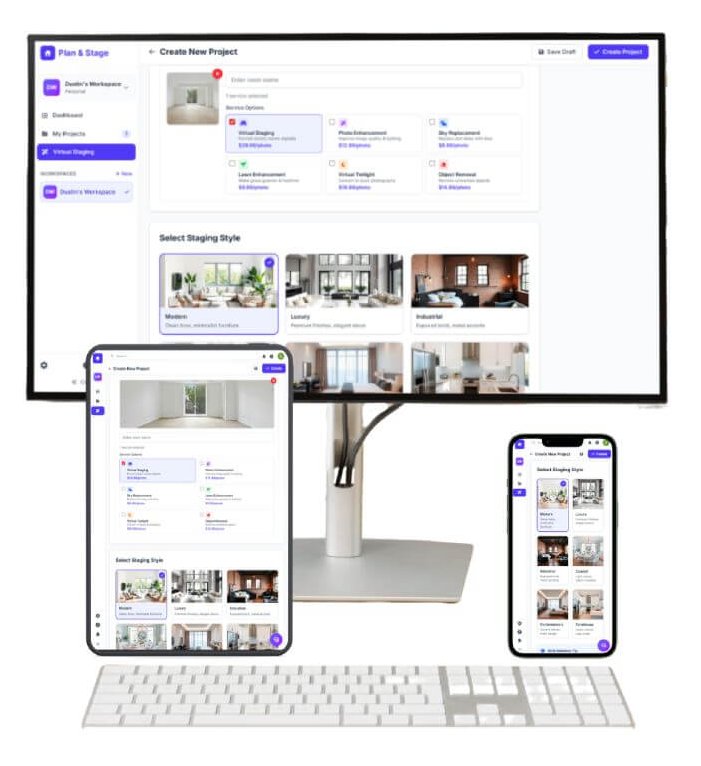
The product is positioned around browser access, making it easier to review rooms from your desk, during a walkthrough, or while sharing options with clients.
Comfortable for full project review and marketing preparation.
Useful for presentations, room walkthroughs, and in-person discussion.
Check projects and reference styles while away from the office.
A launch-safe version of the trust section: clear, useful platform basics instead of unsupported certification claims.
Site and app access are delivered over secure web connections.
Projects are handled through a hosted web workflow rather than local software installs.
Your work starts from an authenticated app account and reusable project flow.
Get started from the browser without a heavy desktop setup.

Plan & Stage is well suited to agents, brokers, and marketing teams who want to test staged visuals on live inventory and learn what resonates before expanding usage.
Start with 2 free images, test the workflow with your own property photos, and see how virtual staging fits your marketing process.